

Code Kit Classroom
The easiest way to bring Arduino and ESP32 into your classroom
Visual coding meets hands‑on electronics. Teach real programming fundamentals while students control actual hardware.
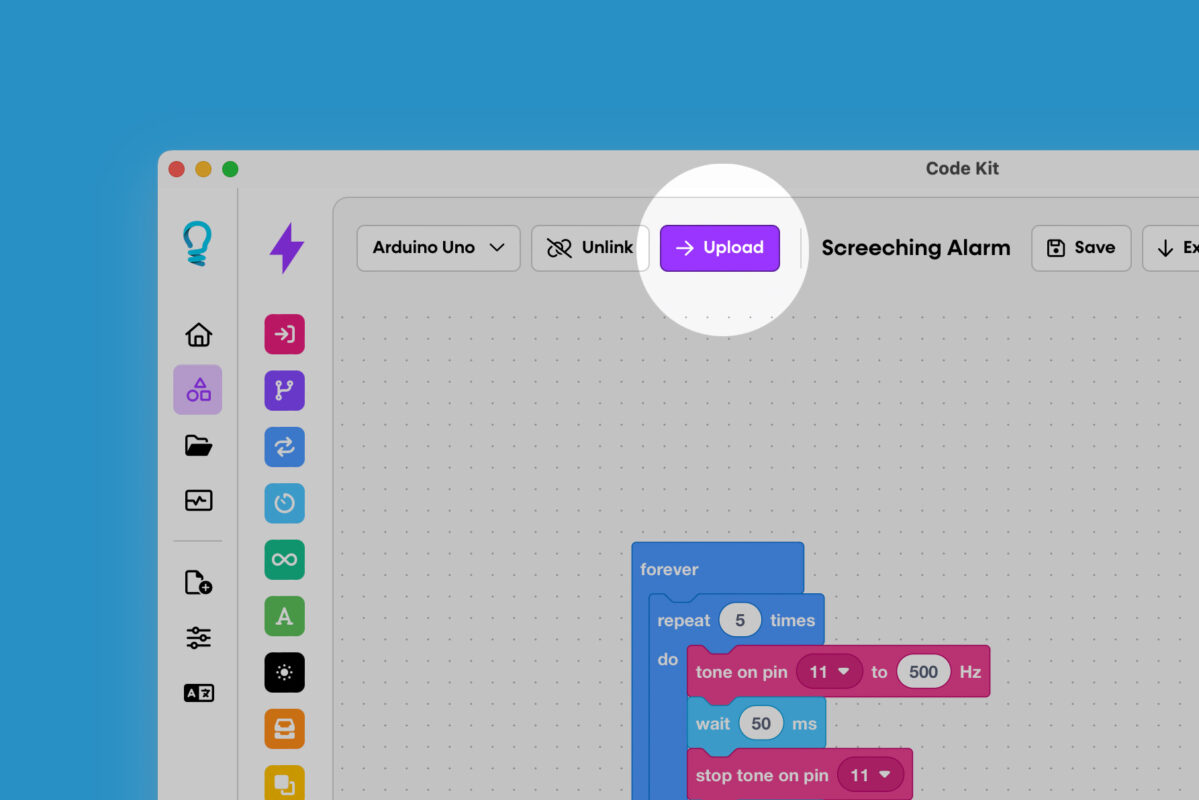
Direct code upload
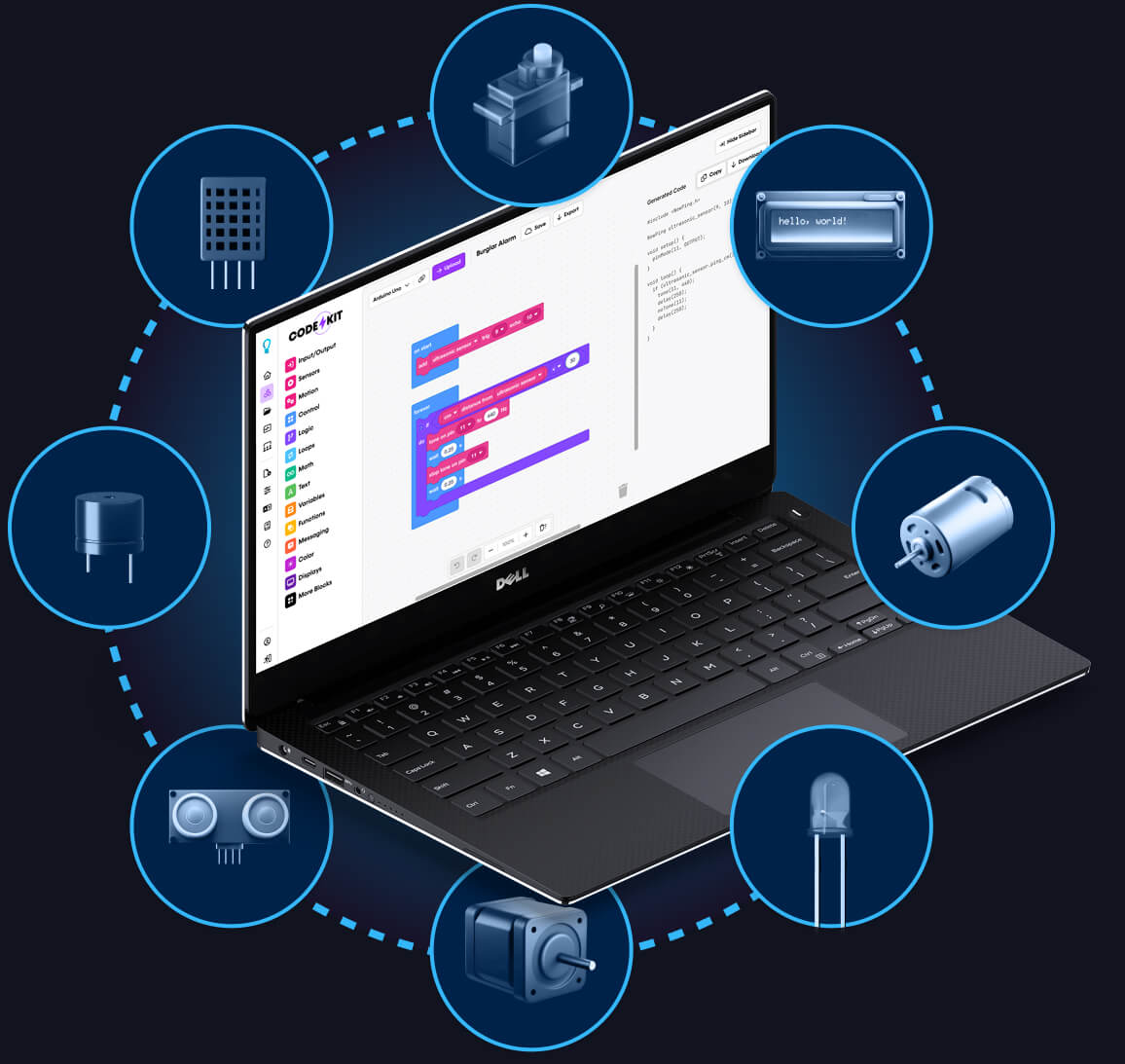
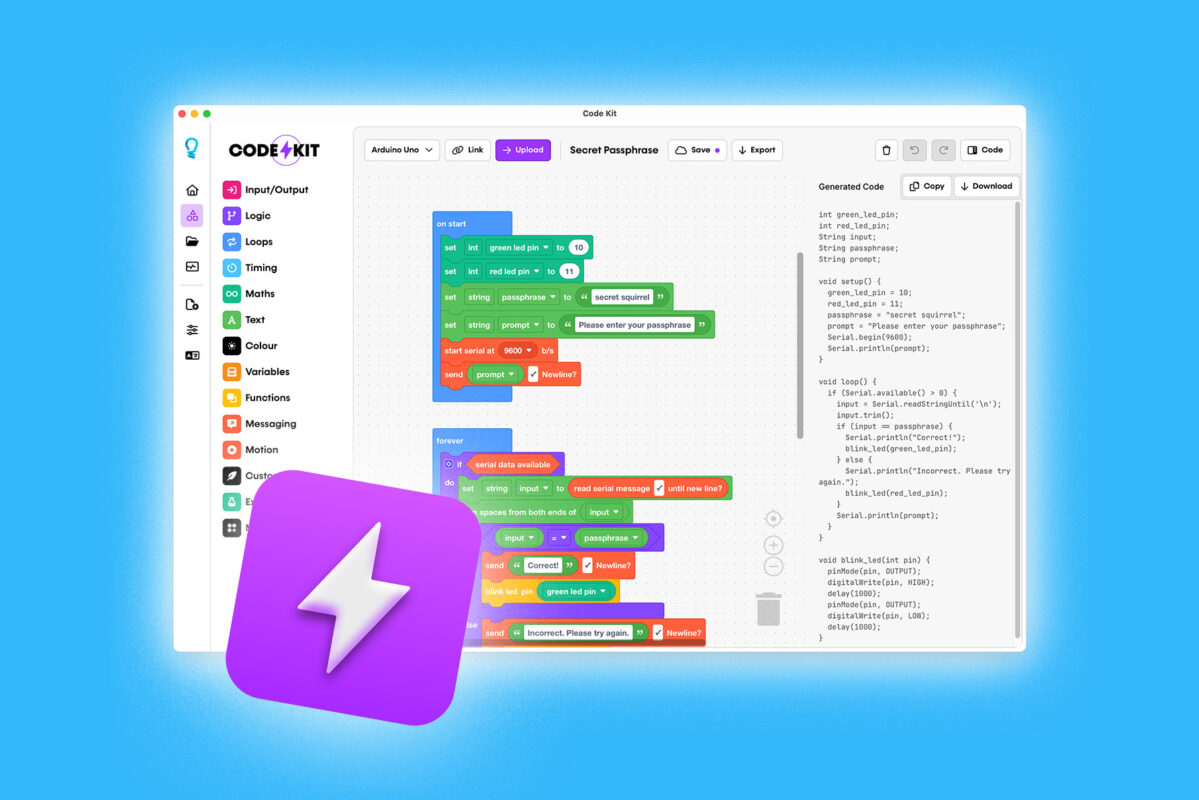
Students build programs with an intuitive, block‑based interface while Code Kit generates Arduino C++ in real time.
With Classroom, every student unlocks our Pro features and can upload code to connected boards with a single click. No copying, no extra tools.
- Available in the web app (no install required)
- Included with desktop apps for Windows, MacOS, and Linux
Visual effects enhanced for illustration. BlockMorph converts code in real-time.
Experimental Feature
Text-to blocks with BlockMorph
Turn Arduino C++ into editable blocks so students can see how text‑based code works. Students can:
- Convert existing code into visual blocks
- Change values and logic and watch the blocks update
- Move confidently between block and text‑based programming
BlockMorph makes it easier to bridge from beginner‑friendly blocks to “real” code.
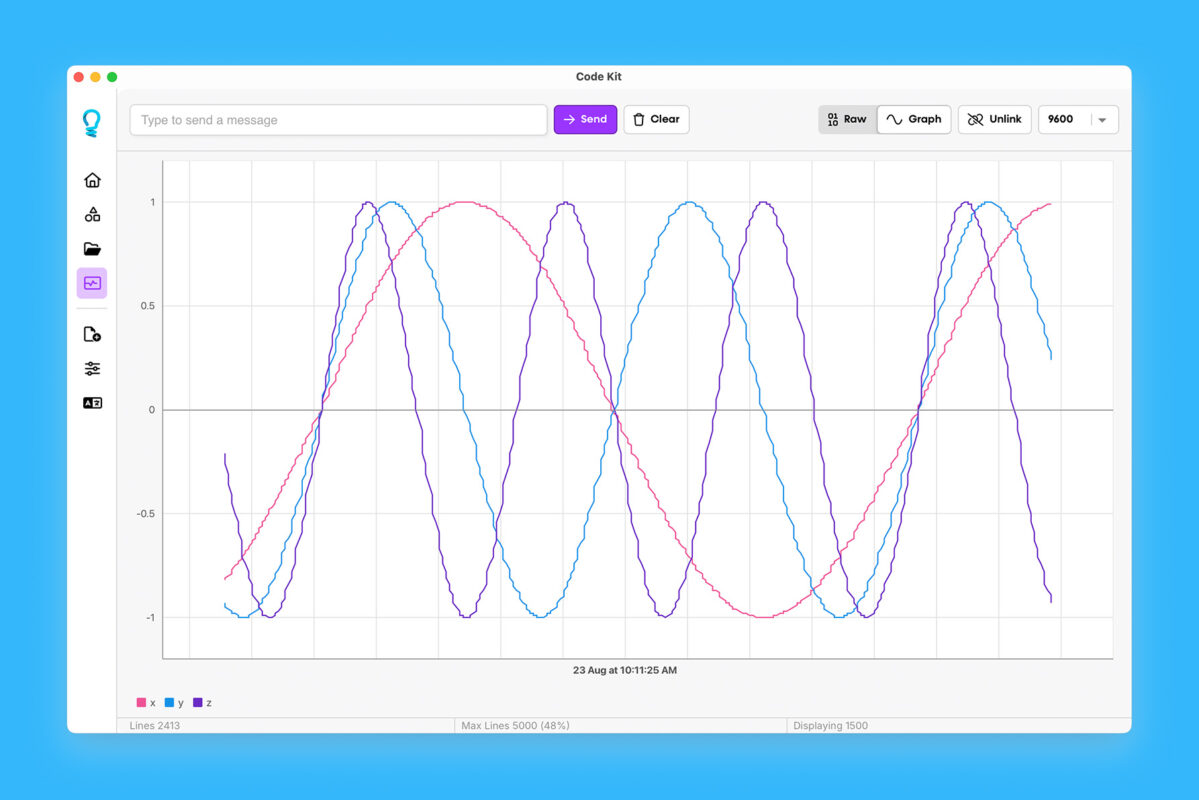
Built-in serial monitor
Give students professional‑grade debugging tools that are still simple to use:
- Stream live data from connected boards
- Switch between raw serial output and visual graphs
- Transform complex sensor readings into clear, interactive visualisations
Perfect for experiments, investigations, and inquiry‑based STEM lessons.
Desktop apps with offline support
Code Kit Classroom includes native desktop apps for Windows, macOS, and Linux that work even without internet access.
- Upload directly to connected boards
- Use the serial monitor with raw and graph views
- All core features available offline
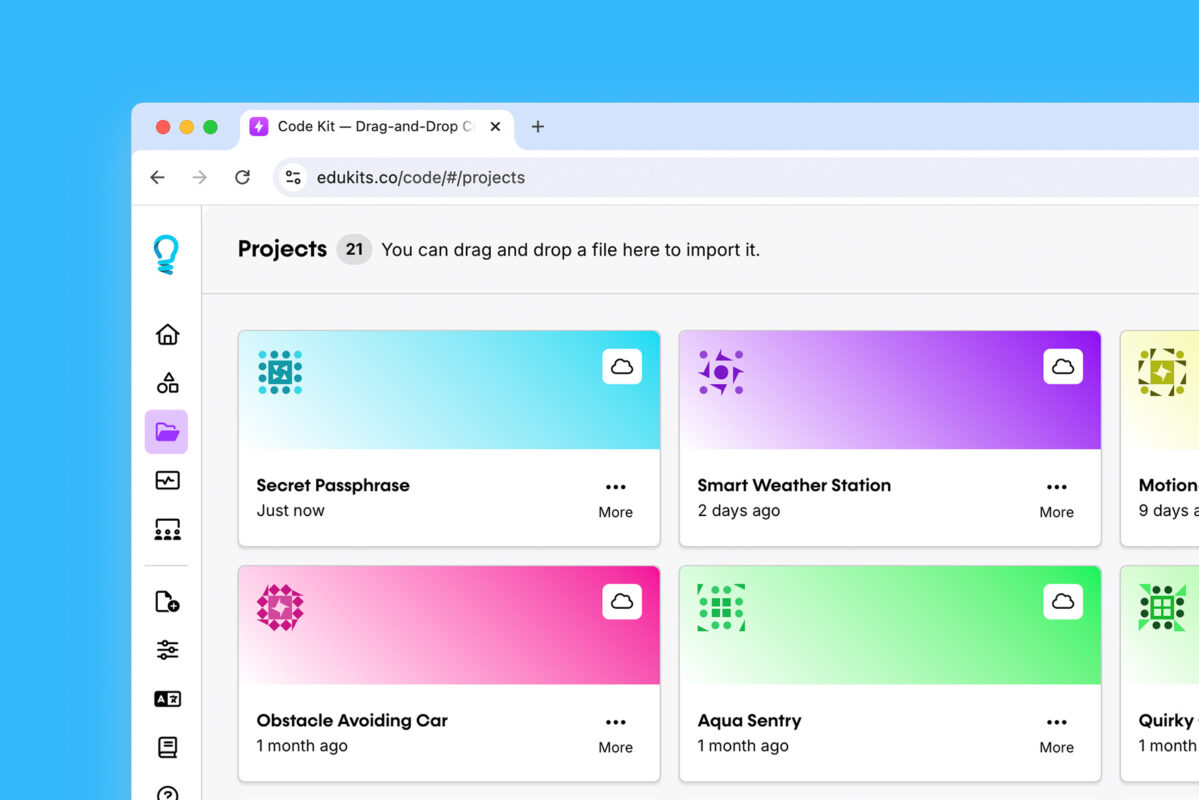
Cloud project storage
Keep student work safe and accessible from any device with Code Kit Web.
- Projects are stored securely in the cloud
- Students can continue work at home or on different devices
- Share projects with others within the class, lab, or makerspace
Exclusive to Code Kit Classroom
Designed for educators.
Built for learning.
Code Kit Classroom combines powerful visual programming with teacher‑first tools to make running Arduino and ESP32 lessons straightforward and scalable.
80% discount on licences
Make your budget go further with education pricing. Get Code Kit Pro for an entire class at a fraction of the cost of individual licences.
Classroom management
Set up and manage your digital classroom in minutes. Add or remove students, assign seats, and manage access from a simple teacher dashboard.
View student projects
Teachers have access to all student projects, stored securely on the cloud. Access and review all projects in one place, enabling quick feedback and assessment.
Bulk import in seconds
Upload a spreadsheet with your class list and we’ll automatically create student accounts. Go from zero to coding‑ready in a single prep period.
Pricing tailored for education
Get started with Code Kit Classroom
Switch prices to your local currency
Code Kit Classroom
Education package perfect for schools, makerspaces, or libraries.
$29.50
AUD /mo
Billed annually at $354.00/year
Code Kit Classroom
Education package perfect for schools, makerspaces, or libraries.
$59.00
AUD /mo
- 30 licences to Code Kit Pro
- 80% discount on licences
- Teacher dashboard
Code Kit Pro
Included for Teacher & Students
Code Kit Pro is included for you and your students with a Code Kit Classroom subscription. Unlock advanced features like code upload, cloud projects, and sharing.
Everything in Free, plus…
Direct code upload
Text-to-blocks with BlockMorph
Desktop app (Mac/Windows)
Built-in serial monitor
Works offline
Early access to new features
Priority support
Join users in over 120 countries
Join a global community using Code Kit to create new inventions, learn new skills, and share what they’ve built with the world. Code Kit was built to inspire the next generation of makers, innovators, and problem-solvers. We can’t wait to have you join us on this journey.

FAQs
Discover answers to some of the most-asked questions about Code Kit.
Can’t find what you’re looking for? Please contact our friendly team.
What’s the difference between Code Kit Pro and Code Kit Classroom?
Both include advanced features like direct upload, desktop apps, serial monitoring, and BlockMorph.
Pro is for individual users.
Classroom adds teacher tools, like class management, bulk import, and project visibility, and lets entire groups use Pro features. Students added to a classroom automatically get Code Kit Pro access.
How many students can I add?
Each Classroom subscription includes 30 seats. Need more? Just add more subscriptions:
- 2 subscriptions = 60 students
- 3 subscriptions = 90 students, and so on.
How do student accounts work?
You add students from your teacher dashboard. We create a secure EduKits account for each student with full Code Kit Pro access. Students receive a welcome email to set their password. You keep full control and can see all of their cloud projects.
What can students do with their accounts?
Students get everything in Pro:
- Use the web app
- Install the desktop app (one device)
- Upload code directly to supported boards
- Store and access projects in the cloud
- Use all premium tools, including BlockMorph and the serial monitor
How much programming experience do teachers need?
None. Code Kit is designed so non‑specialist teachers can run lessons confidently. The visual blocks make programming concepts intuitive—drag, drop, and connect.
Is this suitable for after-school programs?
Yes. Code Kit Classroom works well for coding clubs, STEM programs, robotics teams, and weekend workshops. It supports both structured lessons and open‑ended exploration.
Does it work for remote learning?
Yes. Code Kit is cloud‑based and works for in‑person, remote, or hybrid learning. Students can log in and access their projects from home or school.
Does Code Kit work on Chromebooks?
Yes. With the Code Kit web app, students on Chromebooks can create projects, save to the cloud, and upload code directly to many Arduino and Espressif boards (where supported by browser and OS).
How does this prepare students for real programming?
Code Kit teaches core programming concepts through:
- Modular design with custom function blocks
- Variables and data handling
- Logic, loops, and control flow
- Gradual exposure to Arduino C++ alongside the blocks
BlockMorph and live code view create a natural bridge from blocks to text‑based coding.
Can students transition to text-based coding?
Yes. Code Kit automatically shows clean, readable Arduino C++ next to the block workspace. As students change blocks, they see the code update instantly. They learn how loops, variables, and functions look in real code, making the jump to text‑based coding smoother and less intimidating.
Still unsure whether Code Kit Classroom is the right fit? We’re here to help.