

Code Kit Pro
Direct uploads, circuit simulation, and offline coding for Arduino
Bring your code, circuits, and Arduino together in one app. Upload straight to your board and try out circuits on screen before wiring them up.
Tools for serious makers, rapid prototypers, and keen learners.
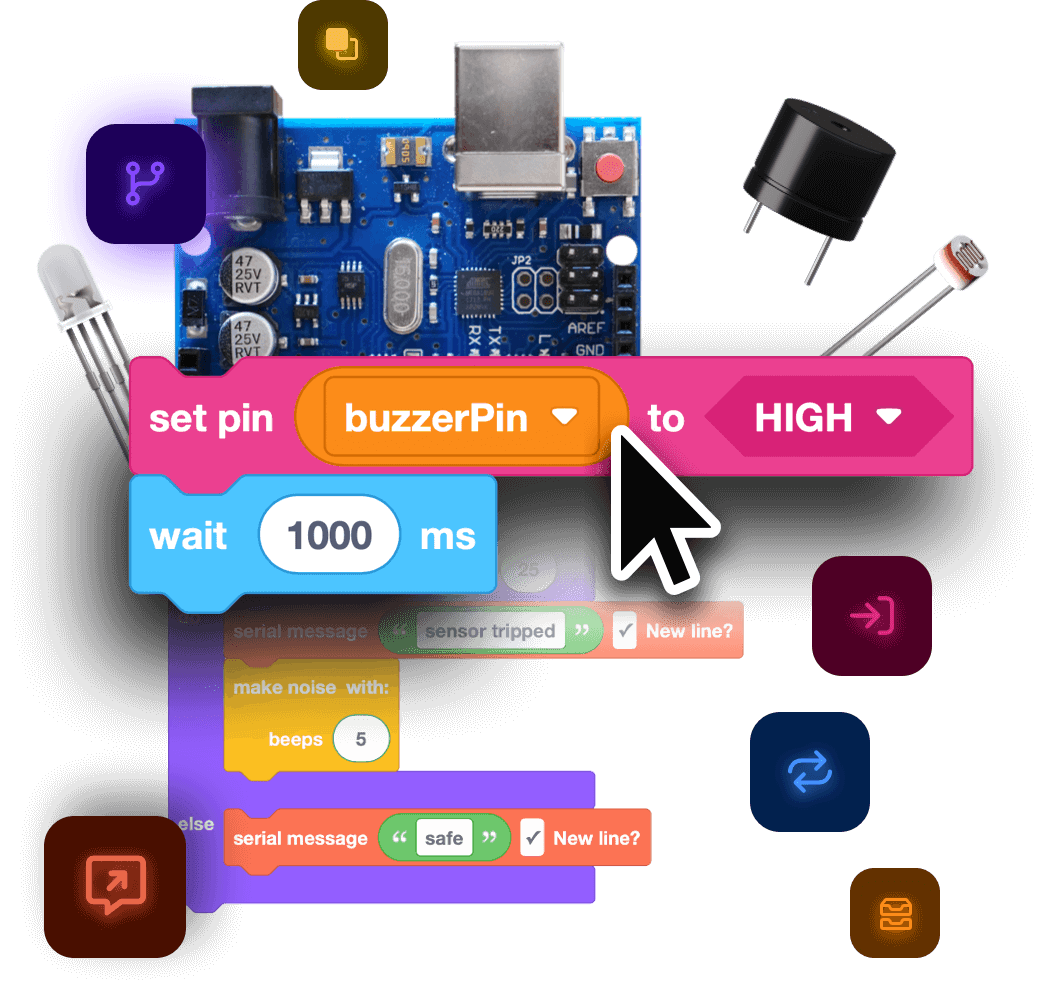
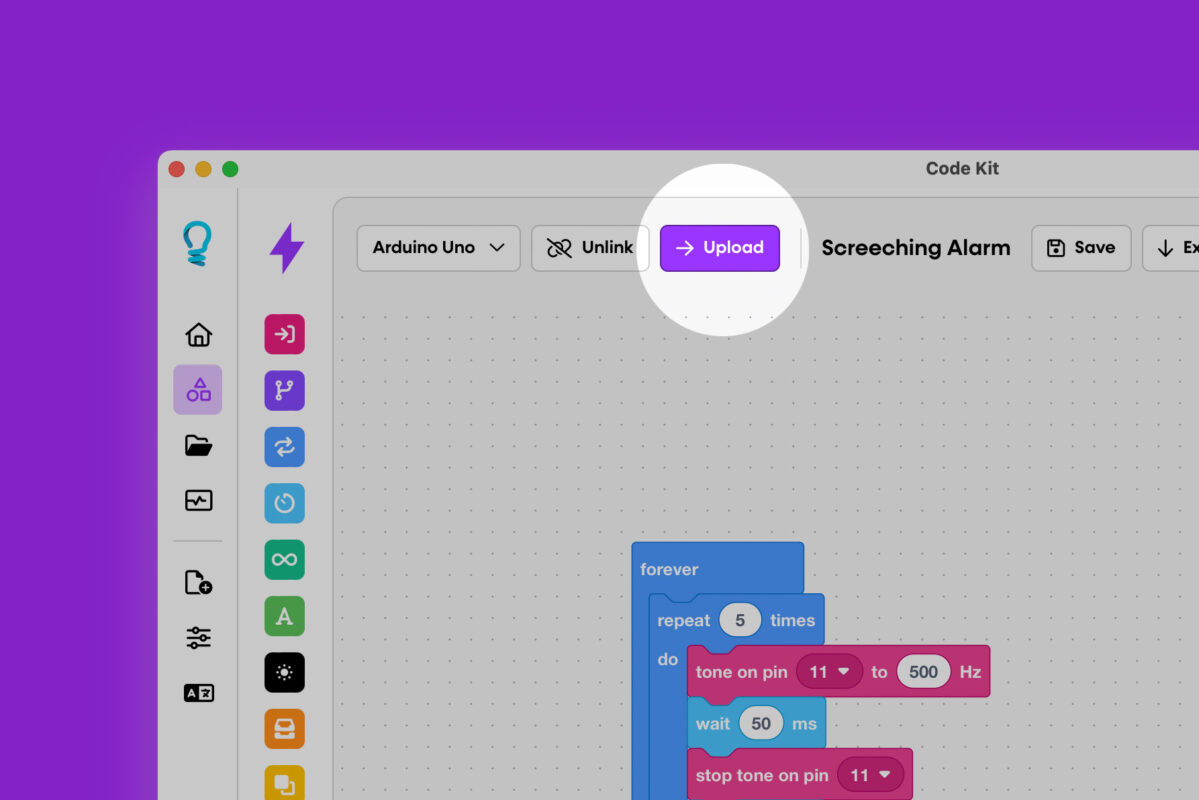
Upload directly to boards
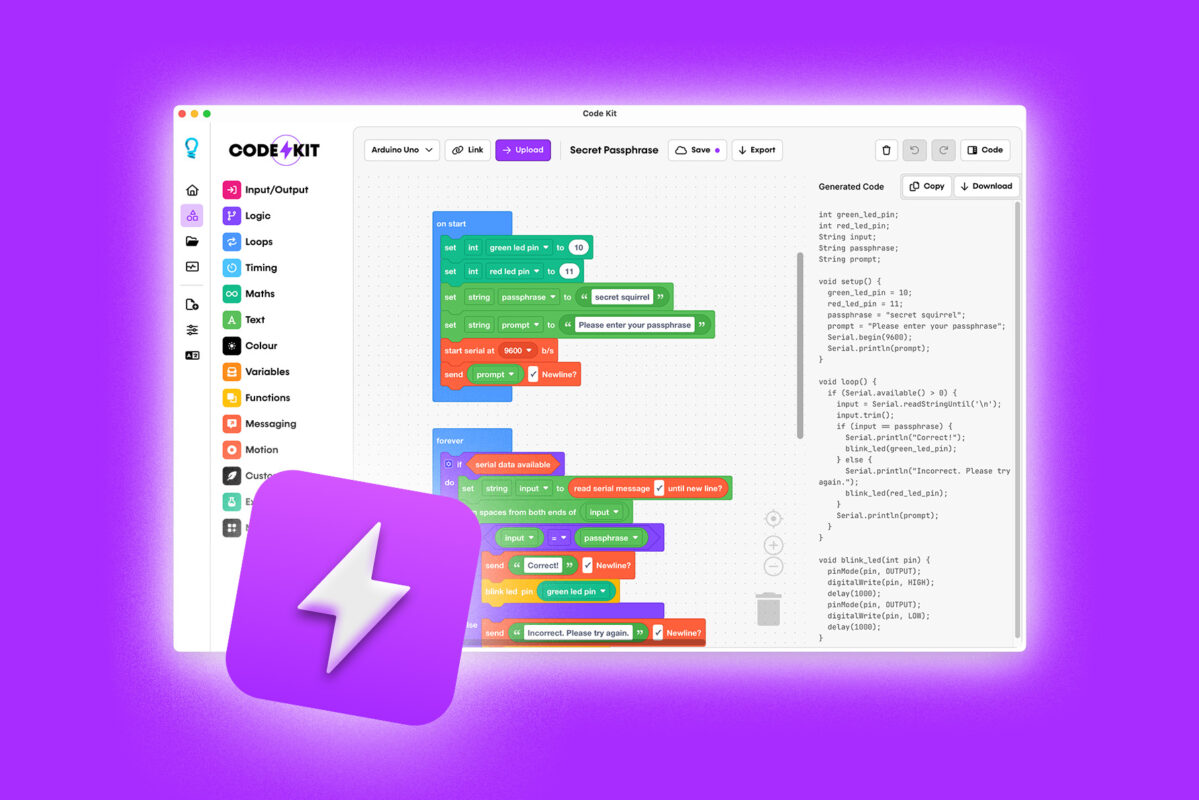
Build your program with blocks. Code Kit turns them into Arduino C++ code as you work.
With Pro, connect your board and upload your program with one click.
- Upload from the web app without installing software
- Or use the desktop app for Windows, macOS or Linux
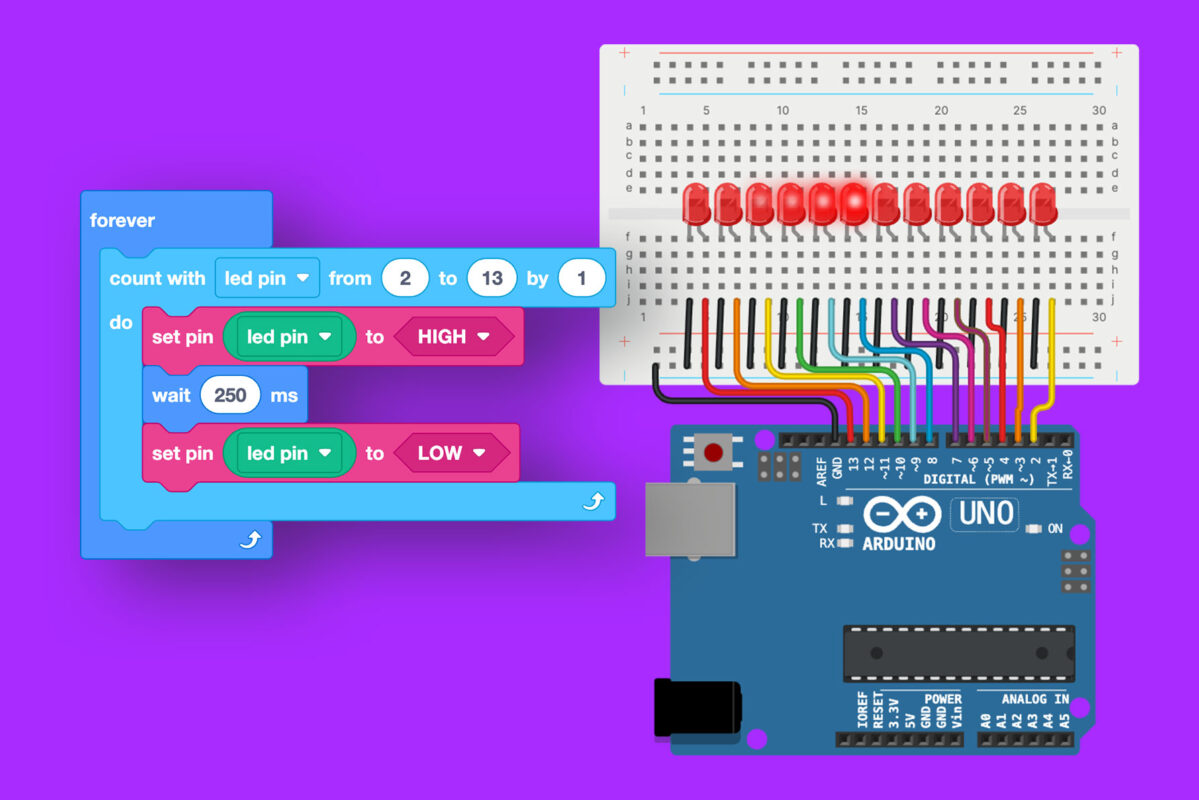
Simulate Arduino circuits
Build an Arduino Uno, Nano, or Mega circuit and run your code before connecting real components.
- Drag and drop components, then connect them with wires
- Run your program to see how your circuit responds
- Try LEDs, displays, breadboards, sensors, motors and more
Available in the web and desktop apps.
Convert code to blocks
Paste Arduino C++ code into Code Kit and BlockMorph converts it into blocks you can edit.
- Rearrange blocks to change how the program works
- Edit the blocks or text and see the other update
- Use it to learn, refactor old sketches, or explain code visually to others
BlockMorph helps you explore how text-based code and blocks fit together.
Visual effects enhanced for illustration. BlockMorph converts your code instantly in real-time—no sparkly transition needed.
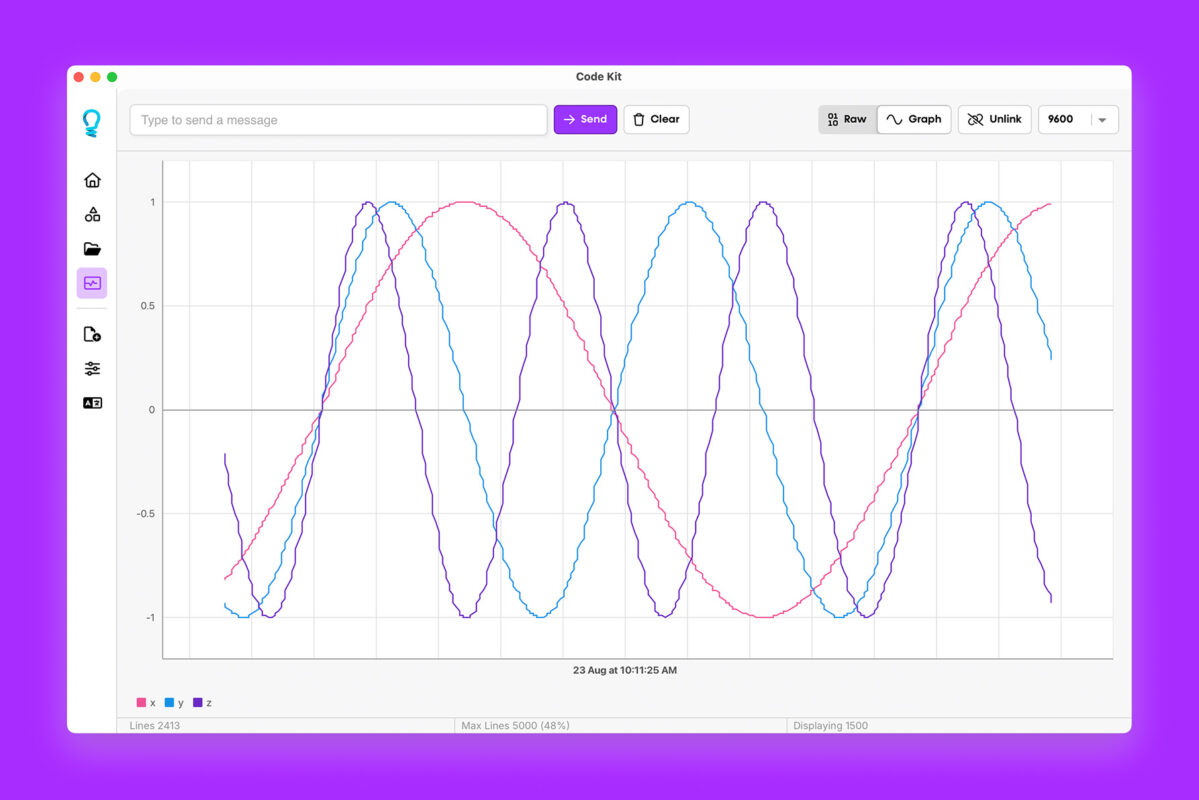
Built-in serial monitor
See what your project is doing in real time.
- View raw serial output for detailed debugging
- Plot multiple sensor values at once with our graph view
- Tune and troubleshoot your hardware without leaving Code Kit
Desktop apps with offline support
Code Kit Pro includes desktop apps for Windows, MacOS, and Linux.
- Upload code without an internet connection
- Upload directly to a connected board
- Use the serial monitor with text and graph views
- Use Code Kit’s core Pro tools in a desktop app
Save and share projects online
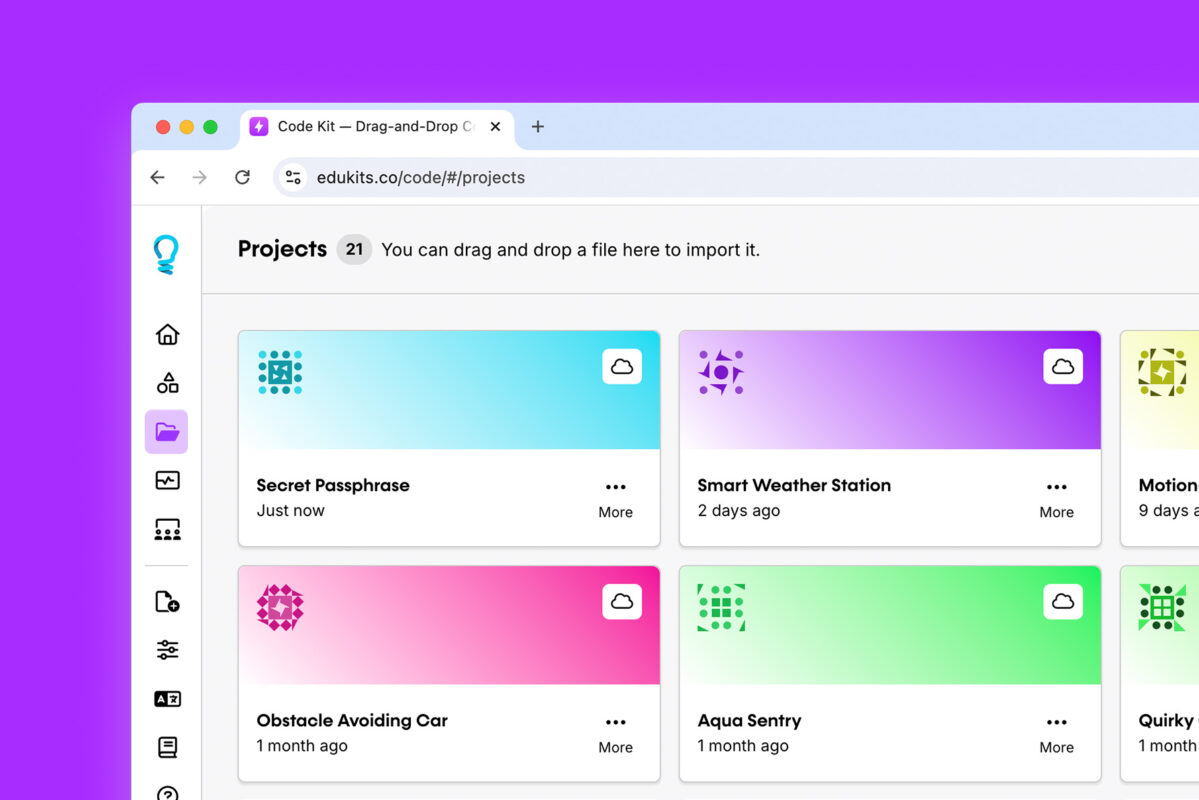
Save projects to your Code Kit account, then pick up where you left off on another device.
- Continue working wherever you sign in
- Keep an online copy of your projects
- Share a public link so others can view your project and make their own version—even without Pro
Plans and pricing
Get Code Kit Pro Today.
Get Pro for individual use, or choose Classroom for group access.
Switch prices to your local currency
Pro
Unlock advanced features like code upload, cloud projects, and sharing.
$4.95
AUD /mo
Billed annually at $59.00/year
Everything in Free, plus…
Direct code upload
Text-to-blocks with BlockMorph
Build interactive circuits
Desktop app (Mac/Windows)
Built-in serial monitor
Works offline
Early access to new features
Priority support
Classroom
Education package perfect for schools, makerspaces, or libraries.
$29.50
AUD /mo
Billed annually at $354.00/year
- 30 licences to Code Kit Pro
- 80% discount on licences
- Teacher dashboard
- Student project visibility
- Collaborative tools
Switch prices to your local currency
Pro
Unlock advanced features like code upload, cloud projects, and sharing.
$9.95
AUD /mo
Everything in Free, plus…
Direct code upload
Text-to-blocks with BlockMorph
Build interactive circuits
Desktop app (Mac/Windows)
Built-in serial monitor
Works offline
Early access to new features
Priority support
Classroom
Education package perfect for schools, makerspaces, or libraries.
$59.00
AUD /mo
- 30 licences to Code Kit Pro
- 80% discount on licences
- Teacher dashboard
- Student project visibility
- Collaborative tools