With this invention, encourage your ‘victims’ to continue pressing the sensor – tell them something interesting will happen! The catch? They have to do this FIVE THOUSAND TIMES, and all for a short ‘beep’.
Parts list
What you’ll need
Step 1
Let’s build this
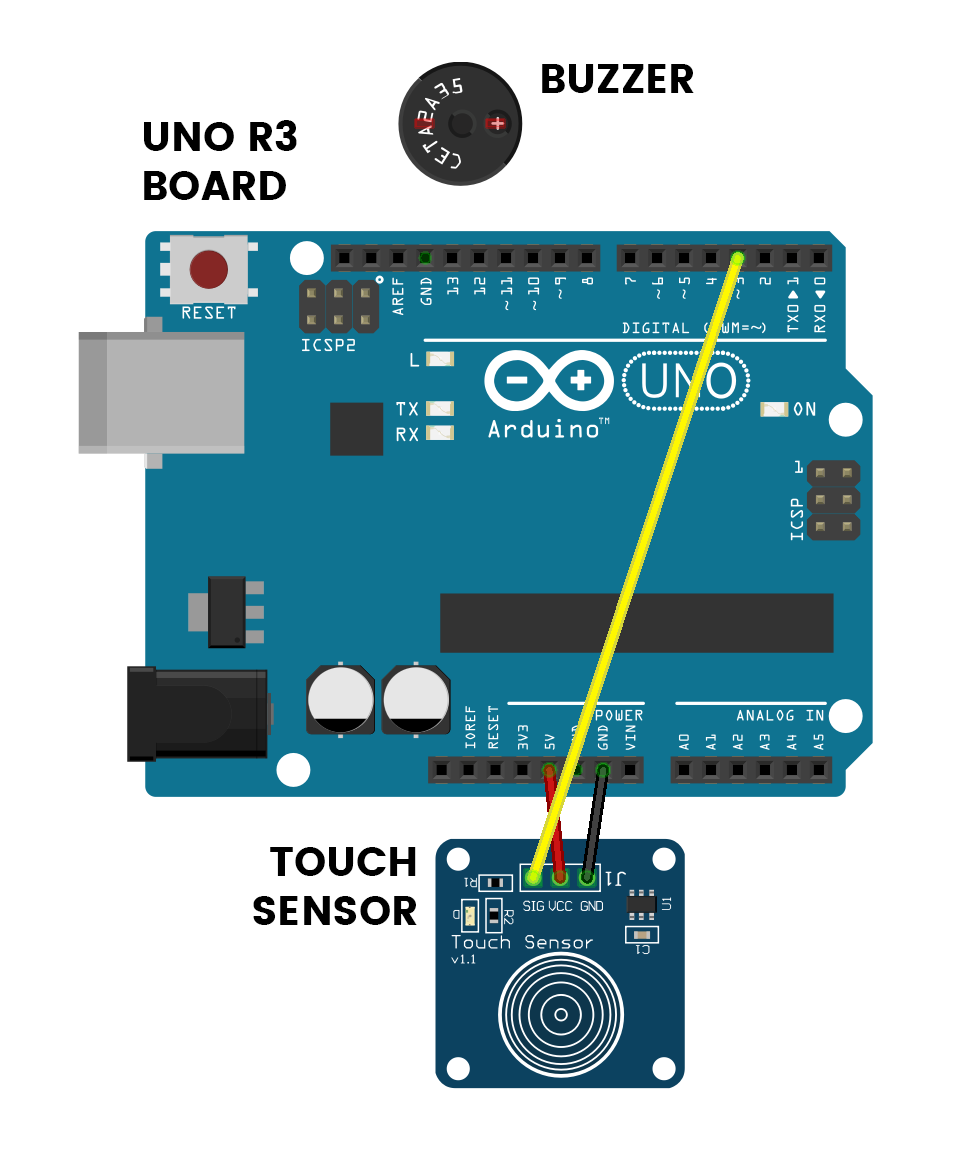
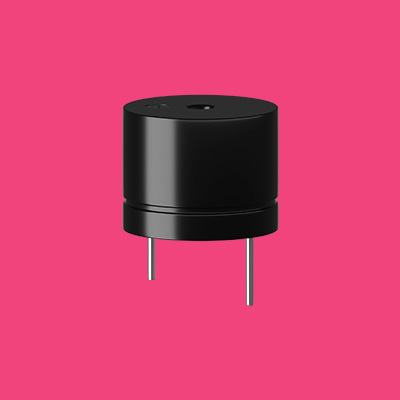
This is the positive leg of the buzzer. It will have a ‘+’ over top and will also be longer than the other leg.
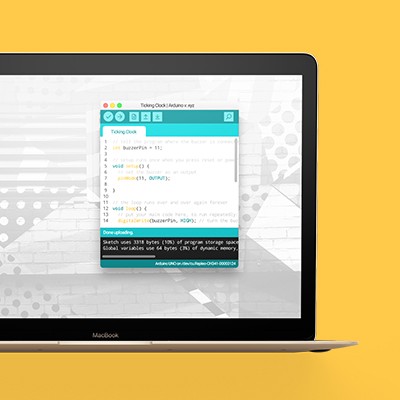
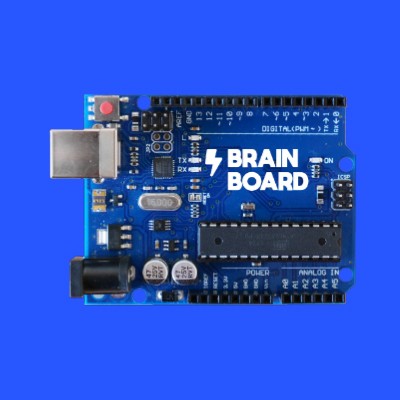
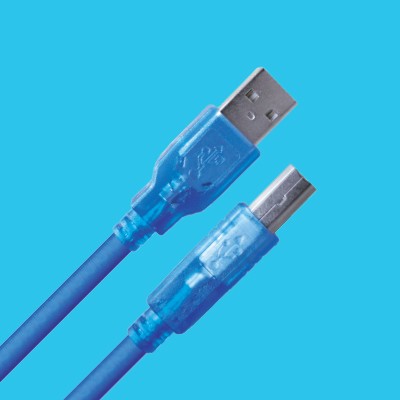
Don’t forget to plug the board into your computer with the supplied USB cable.
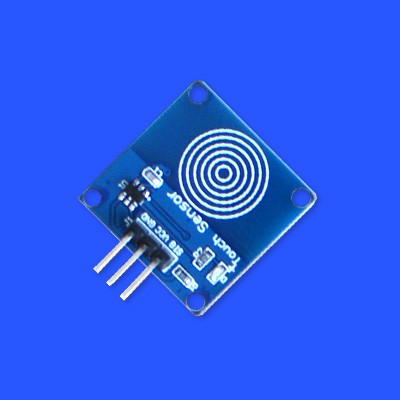
The touch sensor is like a button, except that you only have to touch it lightly.
Connections
Buzzer
The +LEG is the longer leg.
Touch Sensor
Use wires to join these.
Step 2
Code some chaos
Don’t forget to select your port, like usual
Copy and paste the sample code
int touchSensor = 3;
int buzzer = 11;
int beepLength = 5;
int count = 0;

void setup() {
  pinMode(buzzer, OUTPUT);
  pinMode(touchSensor, INPUT);
}

void loop() {
    if(count != 5000) {
    if(digitalRead(touchSensor)==HIGH)
     {
      digitalWrite(buzzer, HIGH);
      delay(beepLength);
      digitalWrite(buzzer, LOW);
      while(digitalRead(touchSensor)==HIGH){
      }
      count++;
     }
    else
     {
      digitalWrite(buzzer, LOW);
     }
   } else {
    delay(500);
    tone(buzzer, 2000, 1000);
    while(true);
   }
}
Upload the code and test it out
Step 3
Modify the madness
Change how many times you have to press this button
5000 presses is a lot if you just want to see what happens when you get to 5000! But never fear, we can change that in the code (you were expecting that, weren’t you). Line 12 is where all the magic happens.
if(count != 5000) {Change the number 5000 to whatever you like – this controls exactly how many times you have to press the button before you get some satisfaction out of this invention. And that satisfaction is just a slightly longer beep.
Change the beep length
Another thing we can have a fiddle with is the length of the beeps that happen when you press the button once. At the moment, they are very short – just 5 milliseconds in length. Being so short, they almost sound like clicking or tapping.
int beepLength = 5;On line 3, we can change this. If you want each beep to go for a little longer, try 100 milliseconds, which makes the beeps sound more like beeps.
int beepLength = 100;